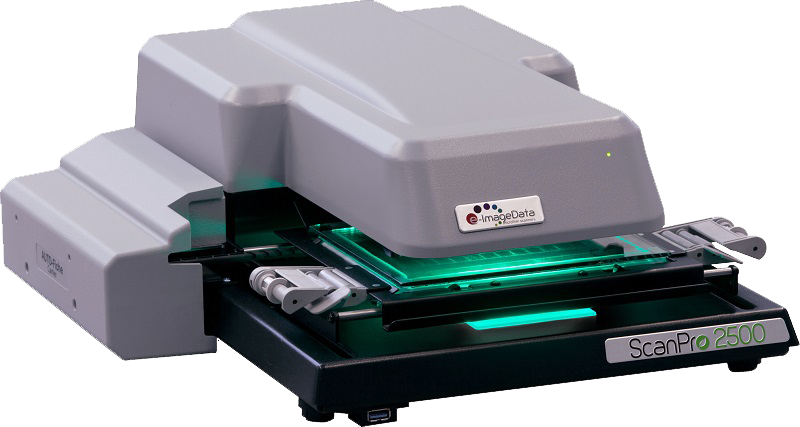
Why ScanPro® Is the Best Microfilm Scanner for Texas Libraries, Archives & Agencies
High-Speed Scanning, 26MP Image Clarity, and Advanced OCR – Built for Microfilm, Microfiche, and Slide Conversion
Comparison Table
Model | Resolution | Speed | Best For |
ScanPro 2500 | 6.6 MP | Moderate | Entry-level use, student research |
ScanPro 3500 | 26 MP | Fastest | Libraries, courts, government, high detail |
ScanPro i9500 | 26 MP | Fastest, adds indexed blip search | Archives, specialty film types |
Rugged Reliability for Long-Term Use
Heavy-Duty Construction for High-Volume Scanning in Texas
- Steel-framed, ball-bearing construction ensures long-lasting performance
- ScanPro models have scanned millions of images with no degradation
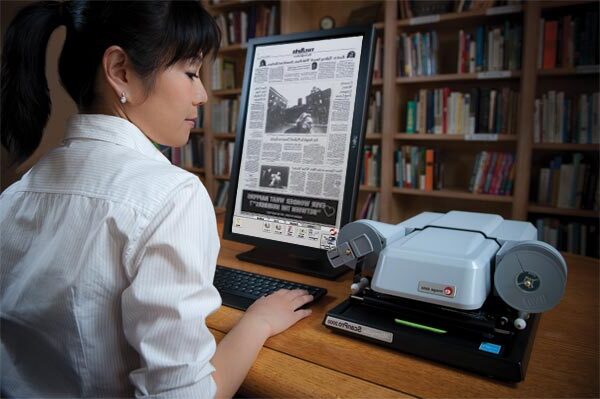
- Compact desktop design fits into tight Texas workspaces like city archives or library kiosks
“The ScanPros have been so maintenance-free compared to the old-style viewers. We haven’t had a single concern with them at all!” — Lynne, Deschutes Library District, Oregon
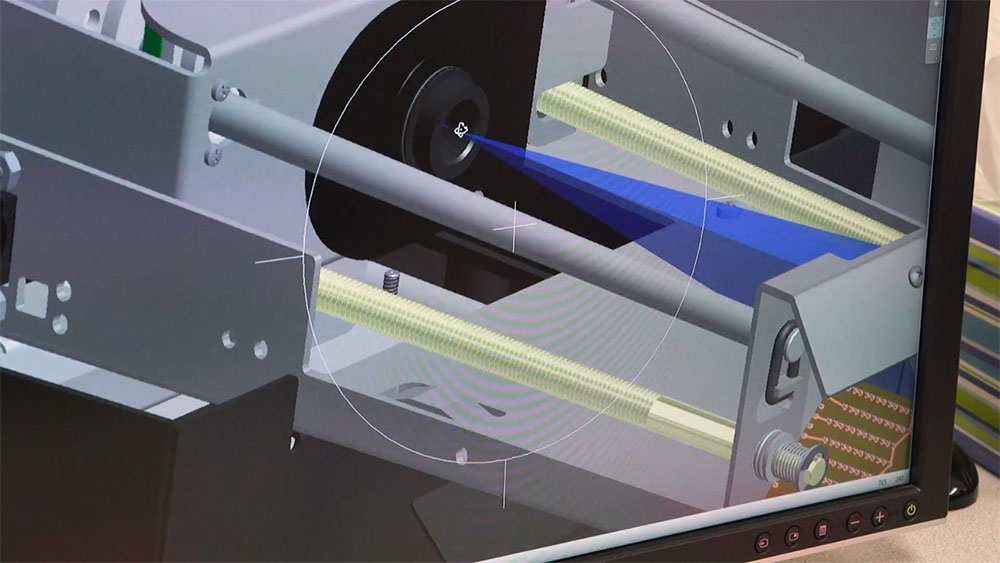
Unmatched Image Quality – 26 Megapixels
Best-In-Class Resolution from the ScanPro 3500
- 26MP camera produces crystal-clear images ideal for genealogical research and record archiving
- FOCUS-Lock™ technology maintains image sharpness during zoom
- Optical zoom range from 5X to 105X – perfect for microfiche, 35mm film, aperture cards, and slides
Productivity & OCR Tools That Save Time
Accelerate Your Film Conversion Projects
- Up to 100 images per minute for blipped film
- AUTO-Adjust™ – Auto-crop, straighten, and enhance film with a single click
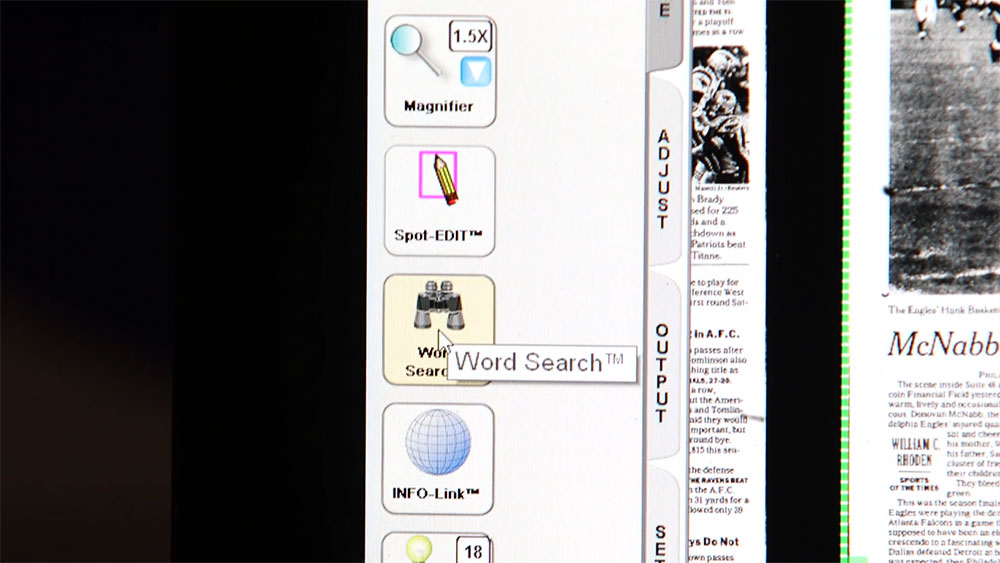
- SPOT-Edit™ – Fix dark spots or poor-quality sections with precision editing
- PowerScan Productivity Suite (PPS) includes:
- Word Search™: Search microfilm text instantly
- INFO-Link™: Launch Wikipedia or dictionary searches from film text
- Copy-to-Clipboard: Paste editable text into emails or documents
- Searchable PDFs: Export to multi-page OCR PDFs instantly
Remote Support + Ease-of-Use
Intuitive Interface Designed for Public Use and Tech Teams
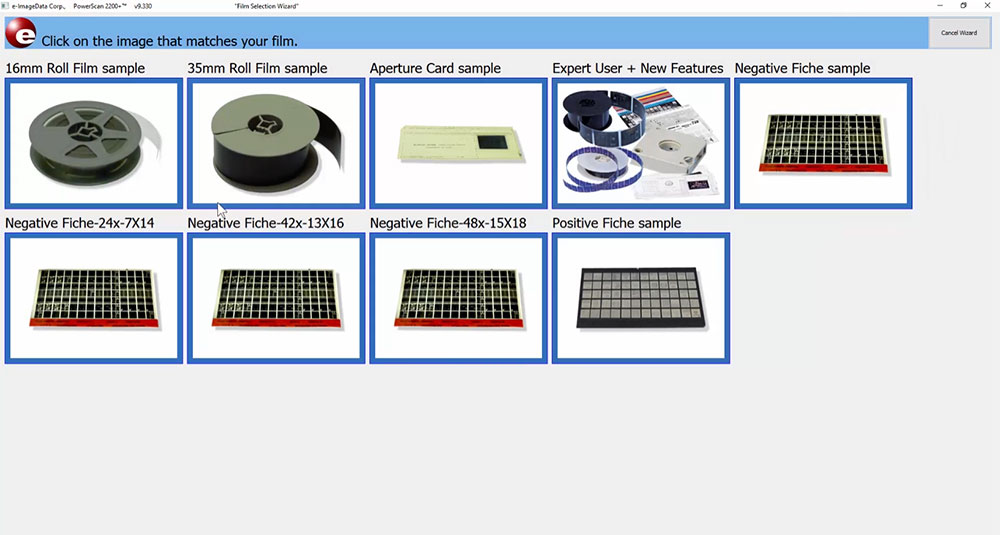
- On-screen controls and help tooltips
- Film Selection Wizard™ recalls settings for different formats
- Built-in remote support controls allow full offsite assistance
- Fits seamlessly into Texas public libraries and government offices with rotating staff
“Our employees and general public just love the ease of use and quality of images.” — Phillips County, MT
Optional Productivity Membership – ScanPro Advantage (SPA)
Power Up Your Scanner with Advanced Features
- Includes Auto-Scan, AUTO-Adjust, SPOT-Edit, PowerScan OCR Tools
- First 3 months FREE with new scanners
- Only $265/year thereafter with easy online renewal
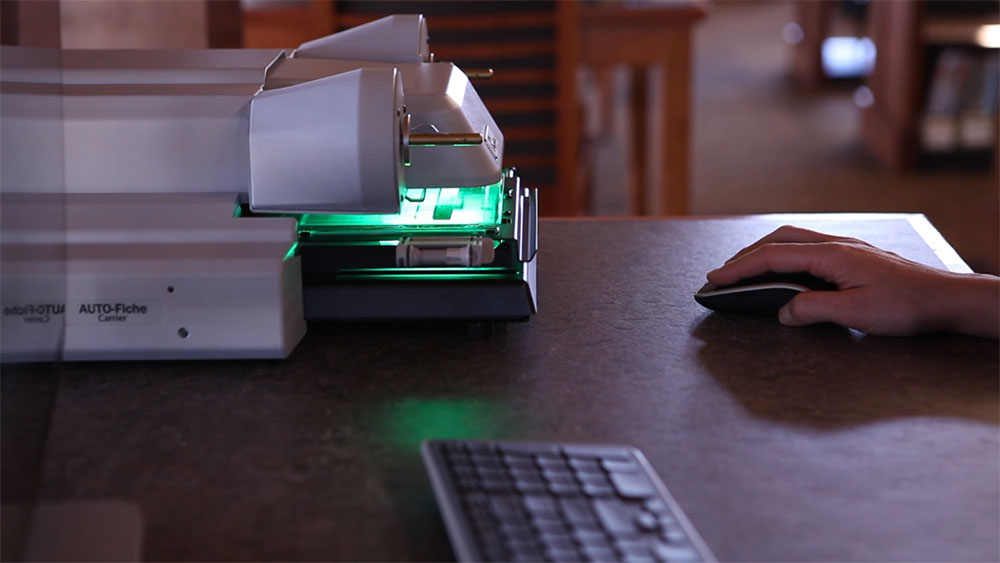
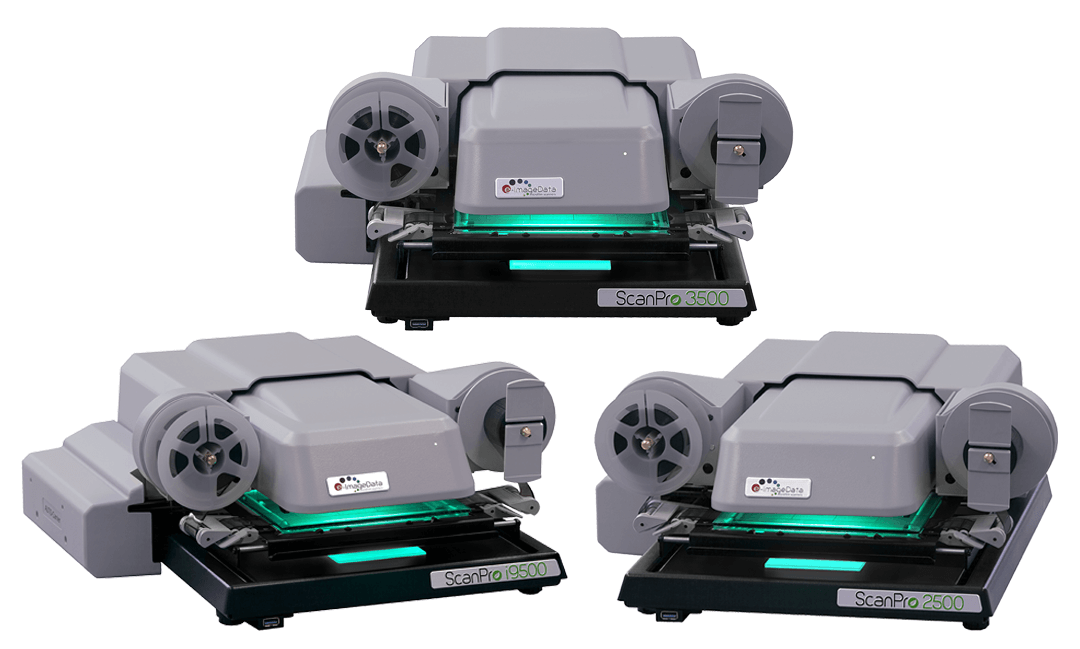
Models & Formats Supported
ScanPro Film Scanner Models Available:
- ScanPro i9500 – 26 MP, supports indexed film and archives
- ScanPro 3500 – 26 MP, top resolution, advanced features
- ScanPro 2500 – Affordable, reliable model
Formats Supported:
- 16mm & 35mm microfilm
- Microfiche & jacketed fiche
- Aperture cards
- Negative film
- Slides & photographs
Frequently Asked Questions – ScanPro® Features
What types of microfilm does the ScanPro scanner support?
The ScanPro i9500, 3500, and 2500 models support 16mm and 35mm roll film, microfiche, jacketed fiche, aperture cards, ultra-fiche, and negative film—making them the most versatile film scanners on the market.
What is SPOT-Edit™ and how does it improve image quality?
SPOT-Edit™ is a ScanPro-exclusive feature that lets you enhance selected areas of a scanned image—like lightening a photo without altering surrounding text. It’s perfect for historical microfilm with uneven exposures.
Can I use ScanPro to convert microfilm to searchable PDF?
Yes. All ScanPro models with the PowerScan Productivity Suite can convert microfilm to multi-page, word-searchable PDFs using advanced OCR technology powered by ABBYY FineReader.
What is the image resolution of the ScanPro scanners?
The ScanPro 3500 delivers the highest resolution with a 26-megapixel camera, providing crisp, clear digital images even from degraded or hard-to-read film.
How fast can ScanPro scan and convert microfilm?
ScanPro scanners offer high-speed scanning—up to 100 images per minute for roll film—making them ideal for Texas-based government offices and digitization service providers handling large archives.
Is the ScanPro scanner compact enough for small workspaces?
Yes. The ScanPro has a desktop footprint about the size of two sheets of letter paper, making it ideal for Texas libraries, schools, and court offices with limited space.
Can I get support or a demo in Texas?
Absolutely. CASO has a San Antonio-based team offering local support, demos, and installation assistance for organizations across Texas.